
Wait! Don’t Go Yet! 👋
We see you eyeing those adorable outfits! 😍 Before you leave, here’s 10% OFF your first order!
Hurry, your little one’s next favorite outfit is waiting! 🛍️✨

We see you eyeing those adorable outfits! 😍 Before you leave, here’s 10% OFF your first order!
Hurry, your little one’s next favorite outfit is waiting! 🛍️✨
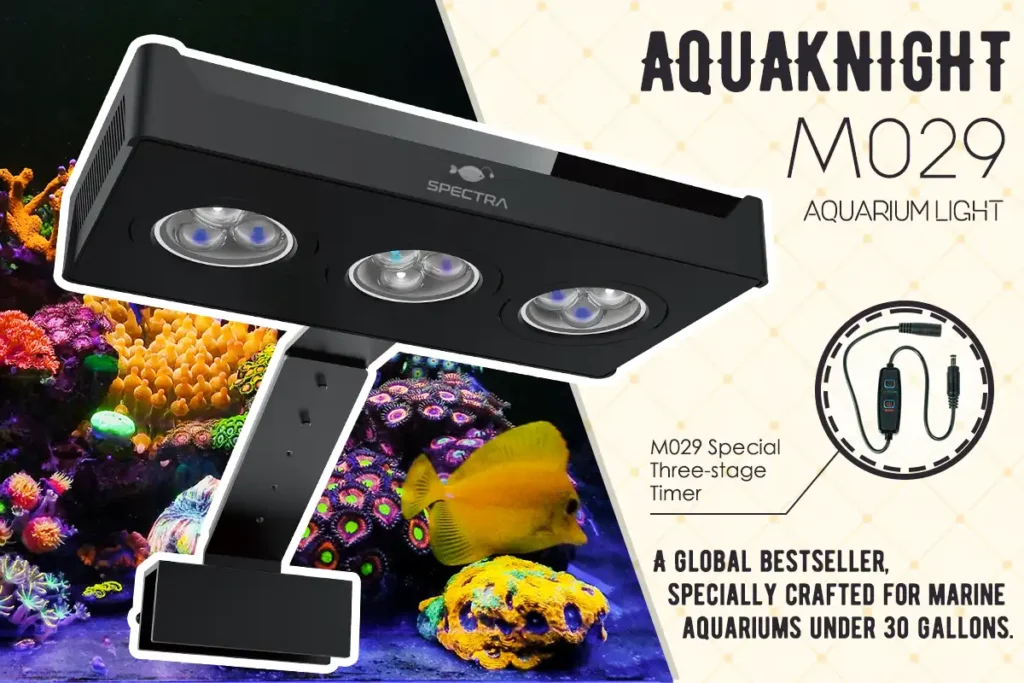
SP29 reef aquarium light (Aquaknight M029) is a legendary reef aquarium light designed for nano tanks from 3 to 30 gallons. Powered by nine 3W CREE® LEDs and our patented 3-in-1 optical lens, it delivers professional-grade spectrum blending and strong PAR for coral growth. With dual independent channels, 10-step touch dimming, the SP29 makes advanced lighting control simple and intuitive. A proven global bestseller, it remains the top choice for nano reef keepers seeking performance, quality, and ease of use.

1,Turn on/ Turn off
Click the “+” and “-” atthe same time to turn off or tum on the light.
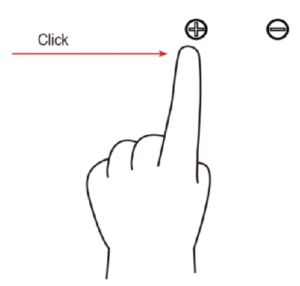
2,Single channel control
Click the “+” to strengthen the white light intensity and press the “-”
to weaken the blue light intensity.
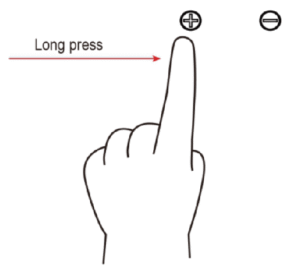
3,Adjust the light intensity of two channels together
Long press the “+” to strengthen the white and blue light intensity
at the same time, long press the “-” to weaken the white and blue
light intensity.
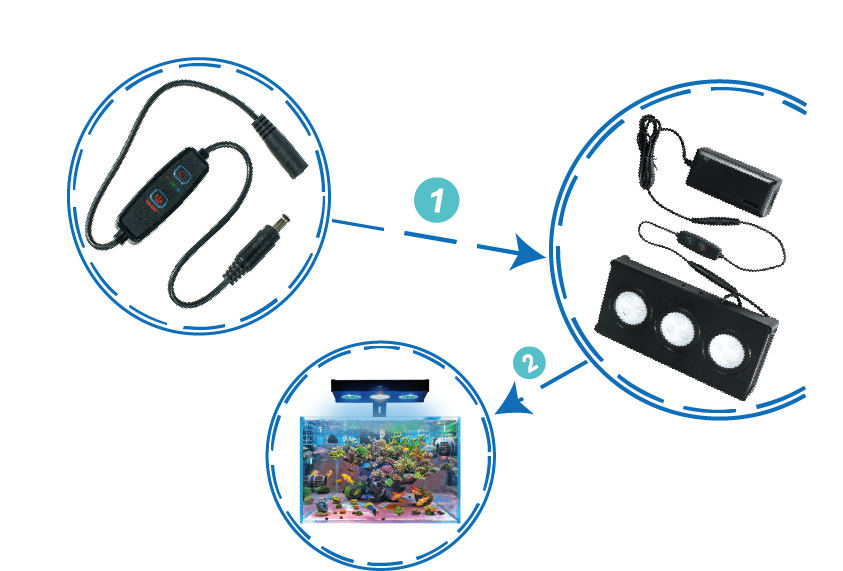
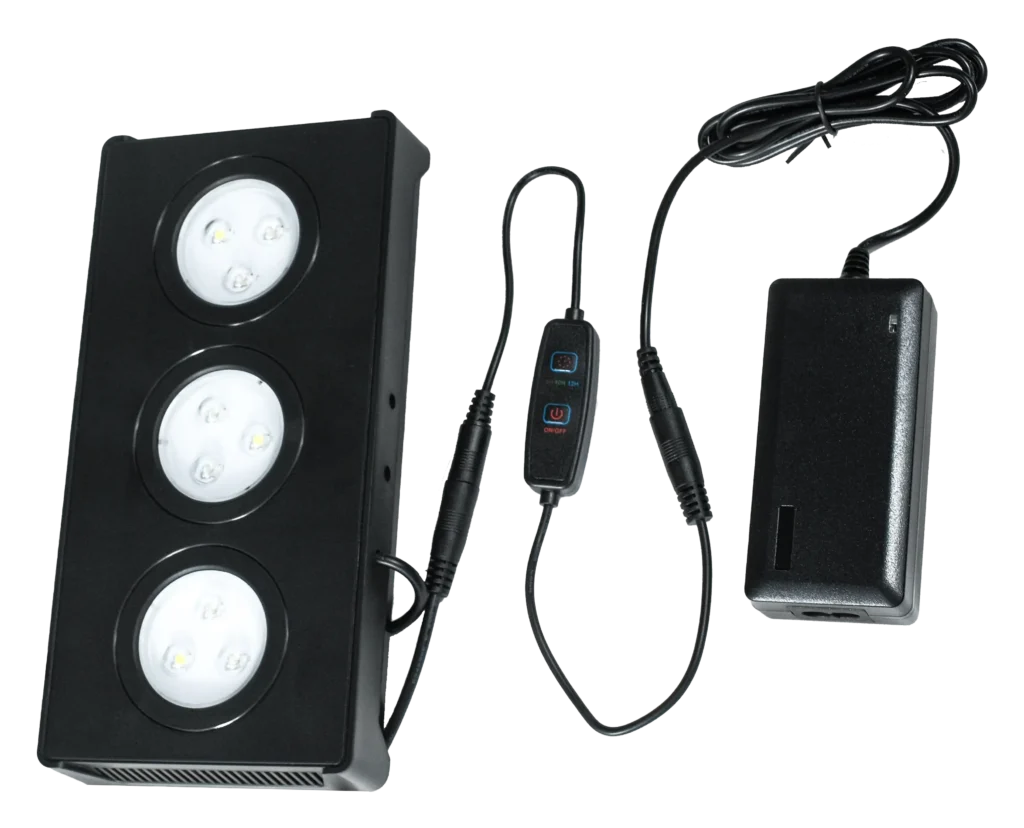
We have designed a dedicated timer for the SP29 Aqua Light with the following features:
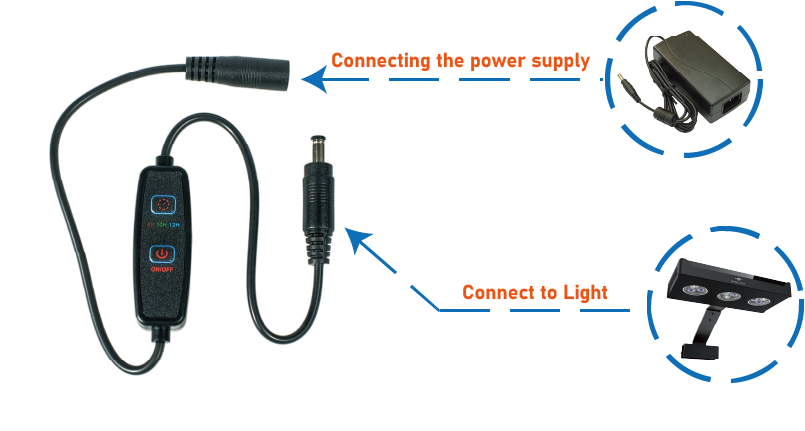
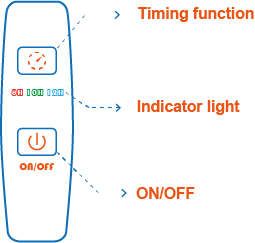
Red: on 8H off 16H
Green: ON 10H OFF 14H
Blue: ON 12H OFF 12H
Press once: The red indicator light turns on. The timer is set to activate for 8 hours and deactivate for 16 hours.
Press a second time: The green indicator light turns on. The timer is set to activate for 10 hours and deactivate for 14 hours.
Press a third time: The blue indicator light turns on. The timer is set to activate for 12 hours and deactivate for 12 hours.
Press a fourth time: All indicator lights turn off, and the timer is permanently deactivated.
On/off is used to temporarily turn the timer on or off.
Press it once, the timer has no output, press it again to restore the output.
Note: This key is only used to control output opening or off, does not control the timing time,
the timing time is only controlled by the timing function key.
This product has a power-off memory function, and it will return to the state before the power-off when it is powered on again.state without re-timed operation.